
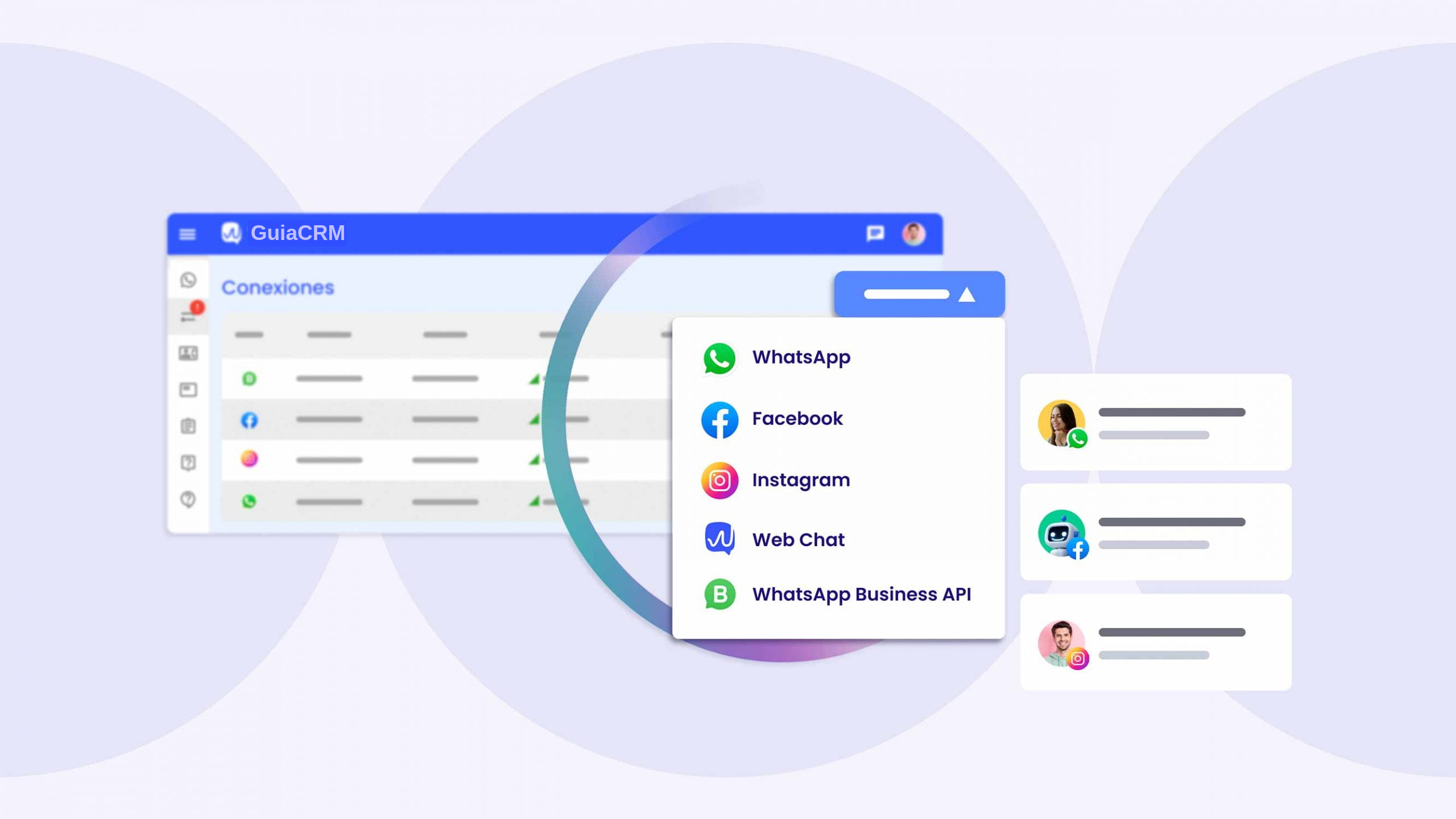
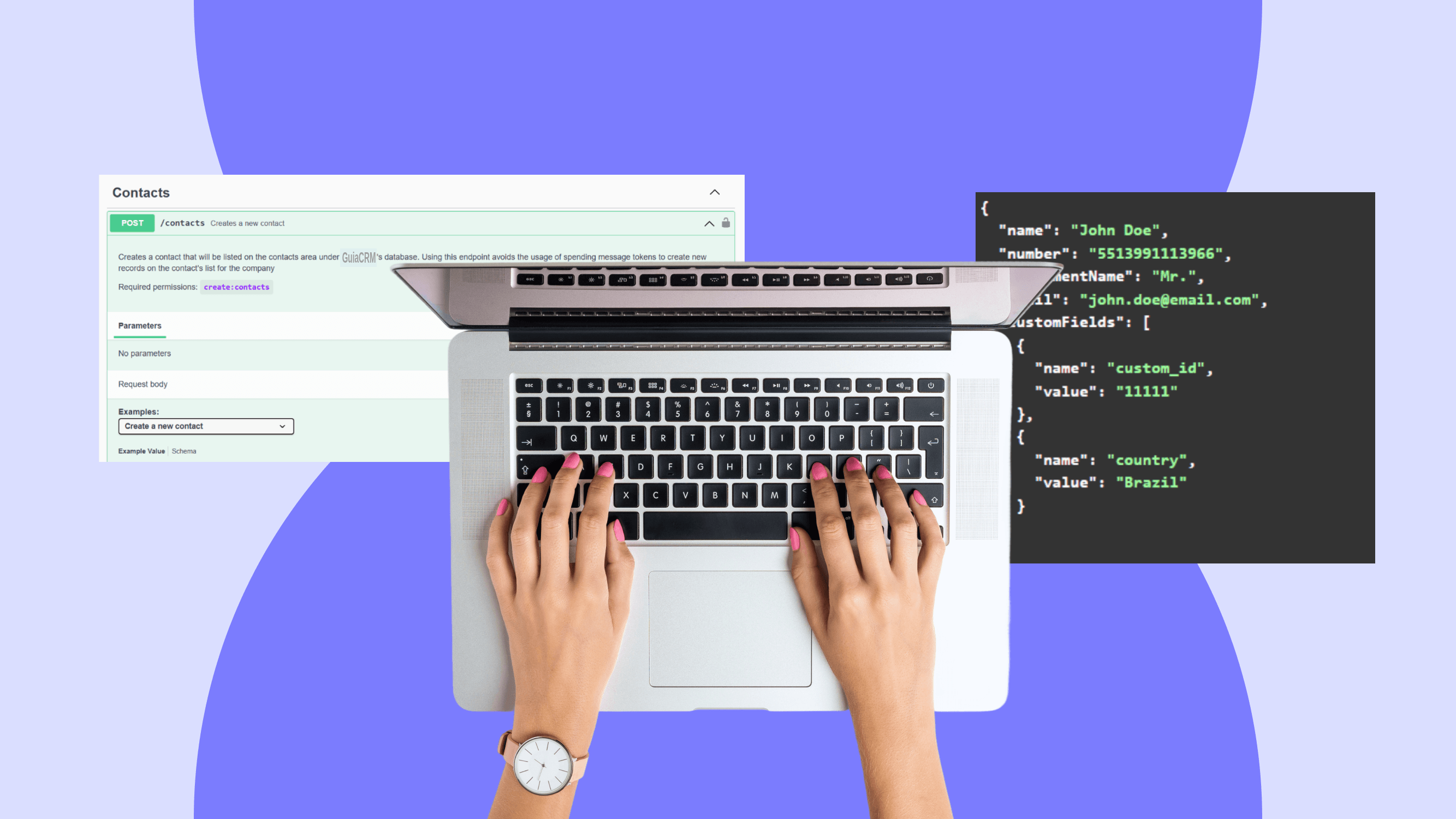


Unlike the standard messaging app, the official WhatsApp API is a cloud service that businesses can use to connect WhatsApp with their workflows. Your team can manage conversations and configure automations through a shared platform.
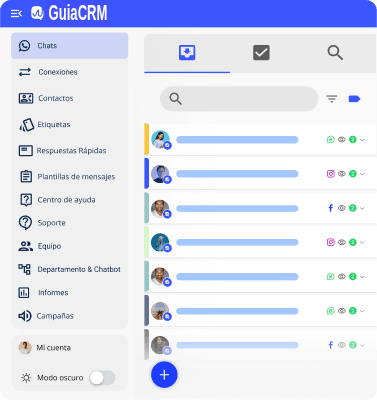
Explore what GuiaCRM offers
Create departments and chatbots to organize customer conversations.
Send a message to a selected group of customers.
An AI chatbot for your WhatsApp conversations.
Automatically assign customer chats to the people on your team.
Set up quick replies for common customer questions.
Add users to your team and assign incoming chats.
Set your business hours so customers know when your team is available.
Several team members can work with the same WhatsApp number.
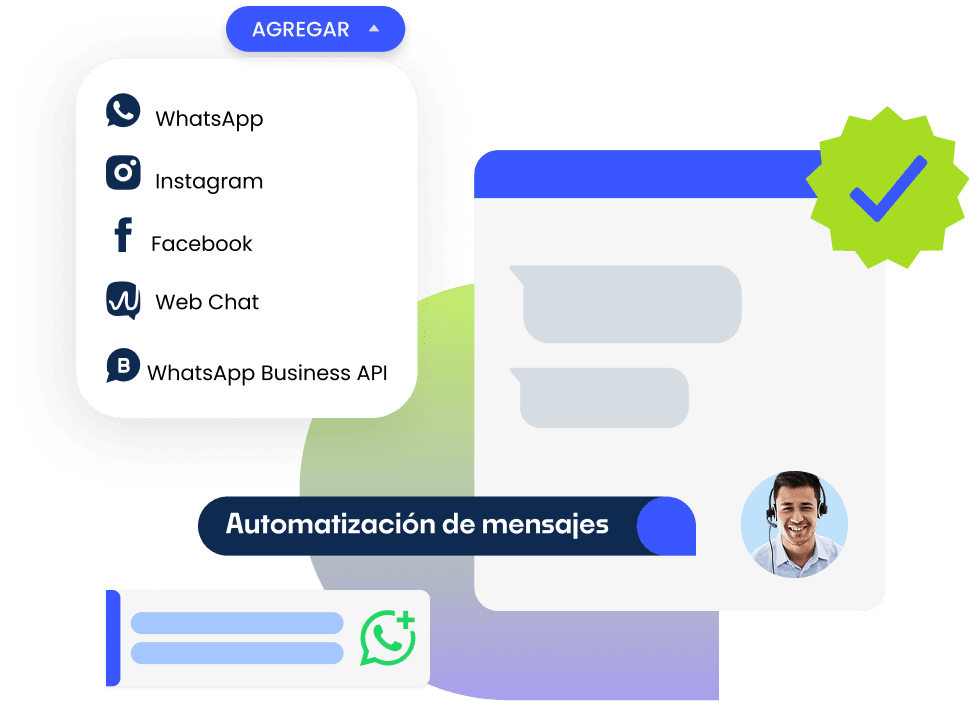
The API setup depends on your account, phone number and Meta’s requirements. Talk to our team about the options available in Meta Business Manager. We can discuss the steps for connecting your account and setting up your team’s workflow. See our setup guide.
Using the API can involve platform charges and Meta messaging charges. The applicable rates depend onthe message category, destination and Meta’s current pricing.
Service messages: check the current conditions for replies and service conversations.
Business-initiated messages: marketing, utility and authentication messages are subject to the applicable Meta rates.
The available migration or coexistence options depend on your account and the official API. Before making changes, check the requirements for your WhatsApp Business appand the API platform. Talk to our team before changing or removing an existing account.
They support different workflows:
WhatsApp Business app: a mobile app for managing business conversations. Teams may need additional tools for support management and reporting as their message volume grows.
WhatsApp Business Platform (API): a platform businesses can connect to software for team support , customer information and AI chatbots . API messaging remains subject to Meta’s policies and applicable charges.
The available options depend on Meta’s current policies and your account eligibility. Confirm whether coexistence is available before changing how your number is connected.
To connect and use the API , review the requirements for your account and planned messaging workflow, including:
A business account in Meta Business Manager and any required payment settings.
A phone number that meets the verification and connection requirements for your chosen setup.
Business information that supports your account’s identity and verification process.
Note: verification, message limits and other requirements depend on Meta’s current rules and your account.
| Cookie | Duration | Description |
|---|---|---|
| cookielawinfo-checkbox-analytics | 11 months | This cookie is set by GDPR Cookie Consent plugin. The cookie is used to store the user consent for the cookies in the category "Analytics". |
| cookielawinfo-checkbox-functional | 11 months | The cookie is set by GDPR cookie consent to record the user consent for the cookies in the category "Functional". |
| cookielawinfo-checkbox-necessary | 11 months | This cookie is set by GDPR Cookie Consent plugin. The cookies is used to store the user consent for the cookies in the category "Necessary". |
| cookielawinfo-checkbox-others | 11 months | This cookie is set by GDPR Cookie Consent plugin. The cookie is used to store the user consent for the cookies in the category "Other. |
| cookielawinfo-checkbox-performance | 11 months | This cookie is set by GDPR Cookie Consent plugin. The cookie is used to store the user consent for the cookies in the category "Performance". |
| viewed_cookie_policy | 11 months | The cookie is set by the GDPR Cookie Consent plugin and is used to store whether or not user has consented to the use of cookies. It does not store any personal data. |